AI in Odoo 20 does the work. You approve it.
In Odoo 20, AI agents stop suggesting and start acting. They search, create and update records on request, with your own access rights, and ask for approval before they change anything. We help you pick where it pays off first.

From assistant to operator.
In Odoo 19, AI helped you write text and read documents. In Odoo 20, an agent does the task itself. Ask it to reassign all your opportunities to a colleague, and it prepares the change and waits for your yes. Agents work inside the rights of the user who asks. They see what that user sees and change only what that user may change. By default, every write shows up as a confirmation card first.
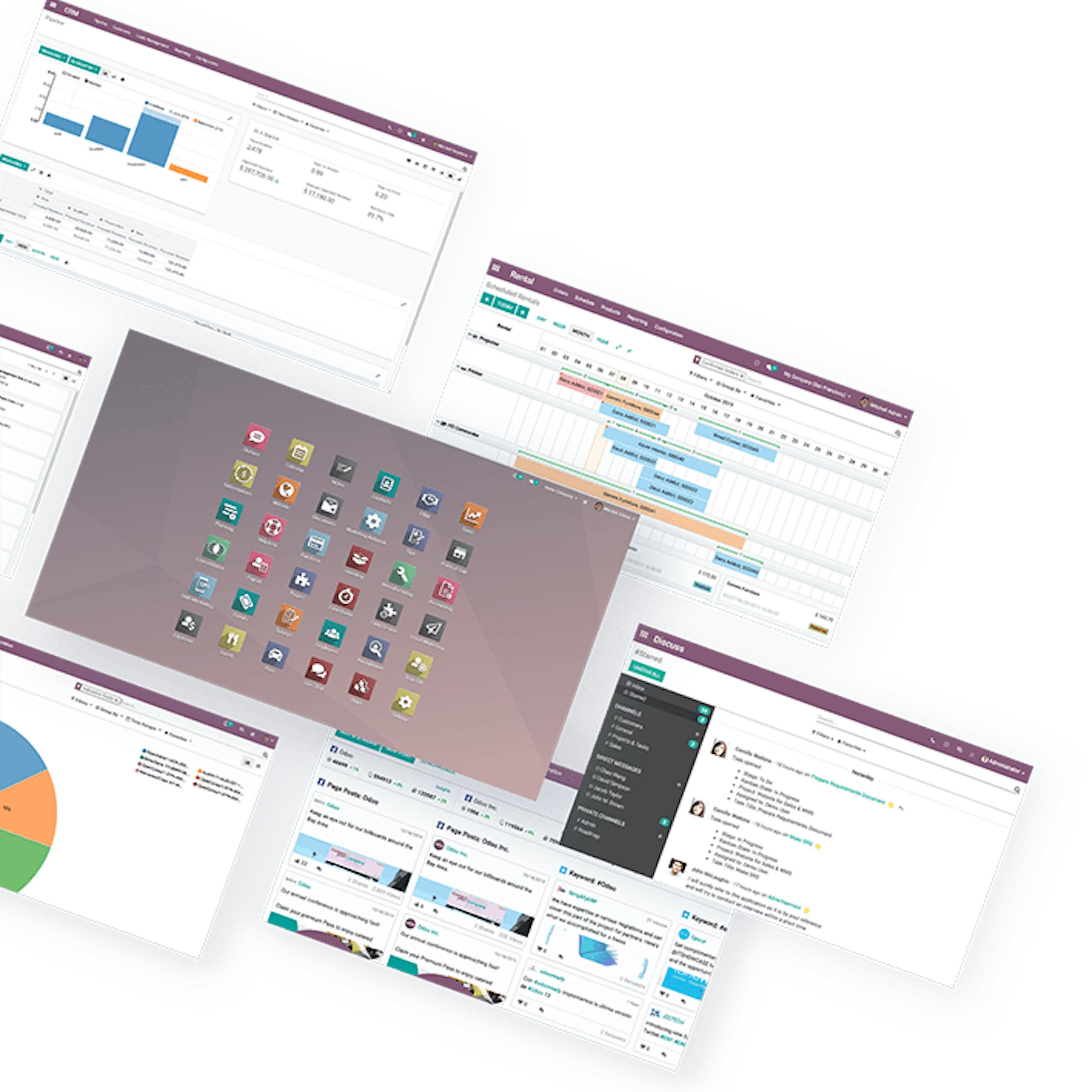
Four parts make an agent.
Instructions
Who the agent is and what its job is, in plain language, with values from the record it works on.
Skills
What it may do: create records, update records in batch, generate images, ask you to choose.
Sources
What it knows: your Knowledge articles, document folders and files. Answers cite the source.
Trigger
When it runs without being asked, on a schedule. Every automated run gets its own chat to review.

AI per app
Where AI shows up in the apps you use.
Not every AI feature matters to every team. These are the ones we see paying off first.
Any app
Create records from a file of instructions, such as a PDF. Update records in batch, after confirmation.
Documents
Ask questions about a PDF or image you are previewing.
Website
An AI Website Assistant that helps you build and edit pages.
eCommerce
AI-assisted product editing.
Live chat
Products, events and courses show up as clickable cards in website conversations.
Marketing
Images generated for websites and campaigns.
Voice
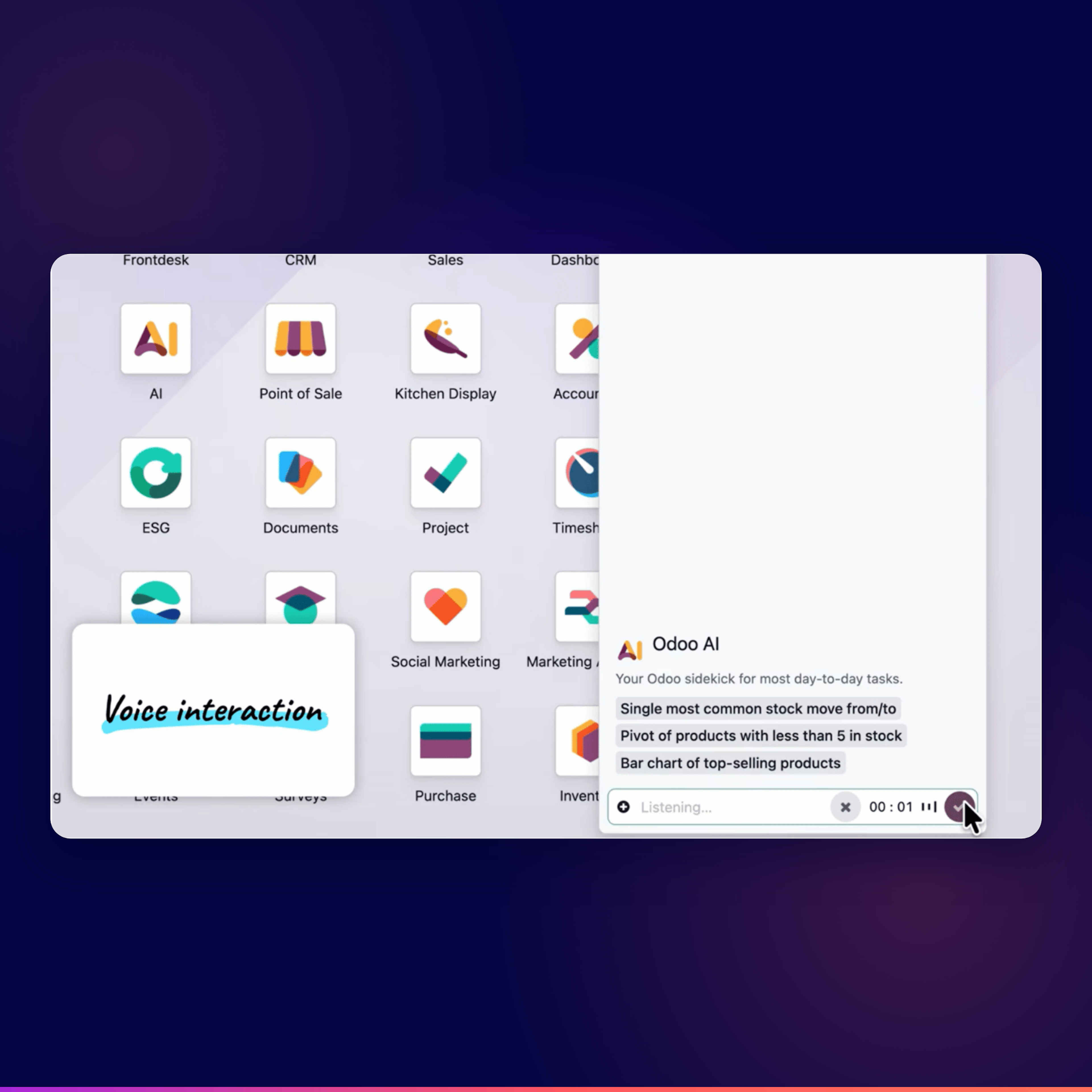
Dictate a request to an agent instead of typing it.
Nothing changes without your approval.
Most AI tools ask you to trust them. Odoo 20 asks you to confirm. By default, every change an agent proposes appears as a confirmation card first. You can switch on auto-approve per request, but we keep it off for anything that writes. An agent never gets more rights than the user who asks, and after 30 steps in a row it stops and asks whether to continue.
AI runs on IAP credits that you buy separately. A scheduled agent uses credits every time it runs, even when nobody reads the result. That is why we start narrow: one agent, one job, one schedule. Once the answers are worth the credits, it may write.
How we begin
What happens after you reach out.
Getting started with Dynapps follows a clear path. No ambiguity, no black box.
Discovery
A first conversation to understand your situation, your challenges, and your ambitions. We explore whether there is a match between what you need and what Dynapps does.
Tailored demo
Not a generic product tour. We prepare a demo shaped around your operations, your industry, and the specific challenges you have described.
Blueprint
A concrete offer for the implementation blueprint phase: scope, approach, timeline, investment. The first formal deliverable. A clear plan both sides can commit to.
Project kick-off
The blueprint phase starts. Process mapping, fit-gap analysis, solution design. The structured work that turns a conversation into a project.
AI in Odoo 20, answered.
Can't find the answer you're looking for? Please reach out to us.
Not by default. Every change shows as a confirmation card first, and you accept or reject it. You can switch on auto-approve per request. We keep it off for anything that writes.
What the user who asks may see. An agent works within that user's access rights and the sources you attach to it.
Yes. AI features run on IAP credits that you buy separately. Scheduled agents use credits every time they run. We help you estimate what you will use.
Yes. Odoo 20 connects to external AI tools through MCP (Model Context Protocol), with a scoped API key. Writes through MCP skip the confirmation card, so we keep them off until the use case is clear. We already connect Claude to Odoo in our AI starter pack.
With a first conversation. We look at your processes and tell you where AI in Odoo 20 pays off first.
Find the first job for an agent in your Odoo.
We look at your processes and pick the task where AI pays off first.
Keep reading
More on Odoo 20.
All Odoo 20 highlights
Six shifts, app by app, and how the upgrade runs.
AI starter pack
Claude connected to your Odoo, on brand and in every language.